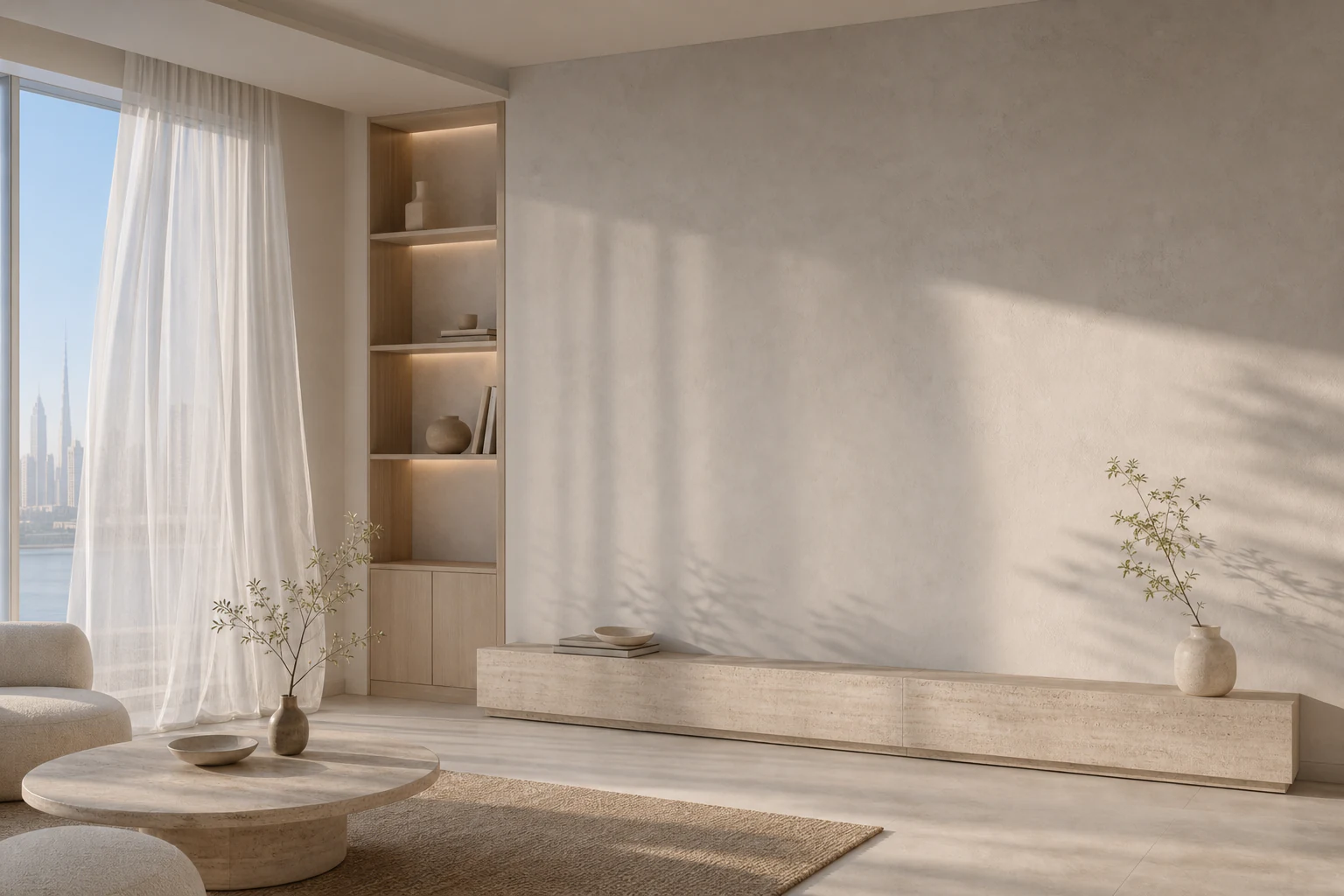

06:30
Morning
The room settles at a comfortable temperature before the day begins.
22° · Pre-comfort · 0.8 kWh LOMABook a visit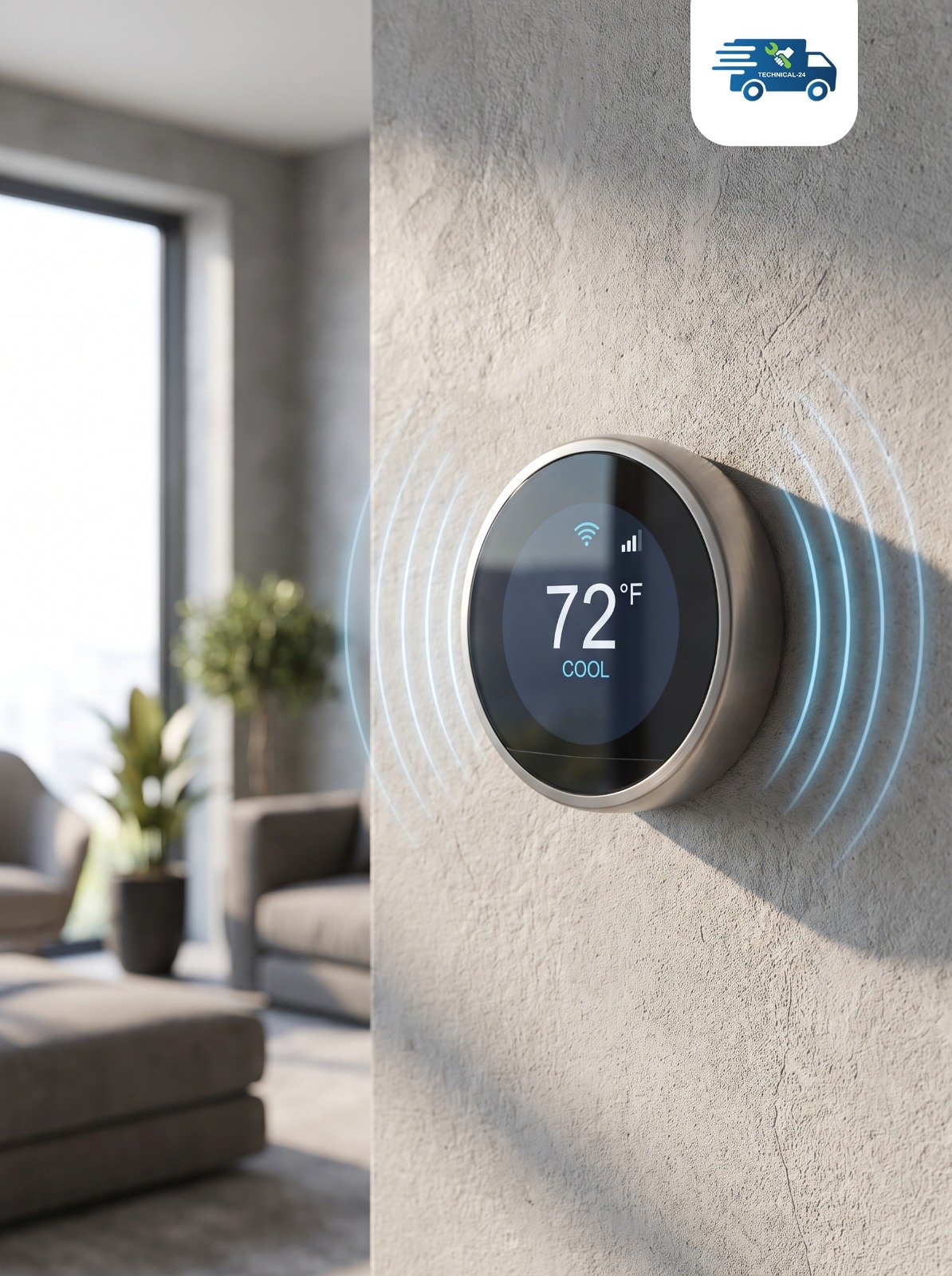
Touch-screen climate control, selected and installed to feel like part of the room—quietly preparing the space before comfort needs to be requested.
Made to perform.
Designed to belong.
Comfort follows the room.
LOMA thermostats are manufactured in the United Kingdom and suited to homes, offices, and hospitality projects across the Gulf. System compatibility is confirmed before installation for a precise, reliable fit.
One clear control language, considered against different materials, uses, and scales.
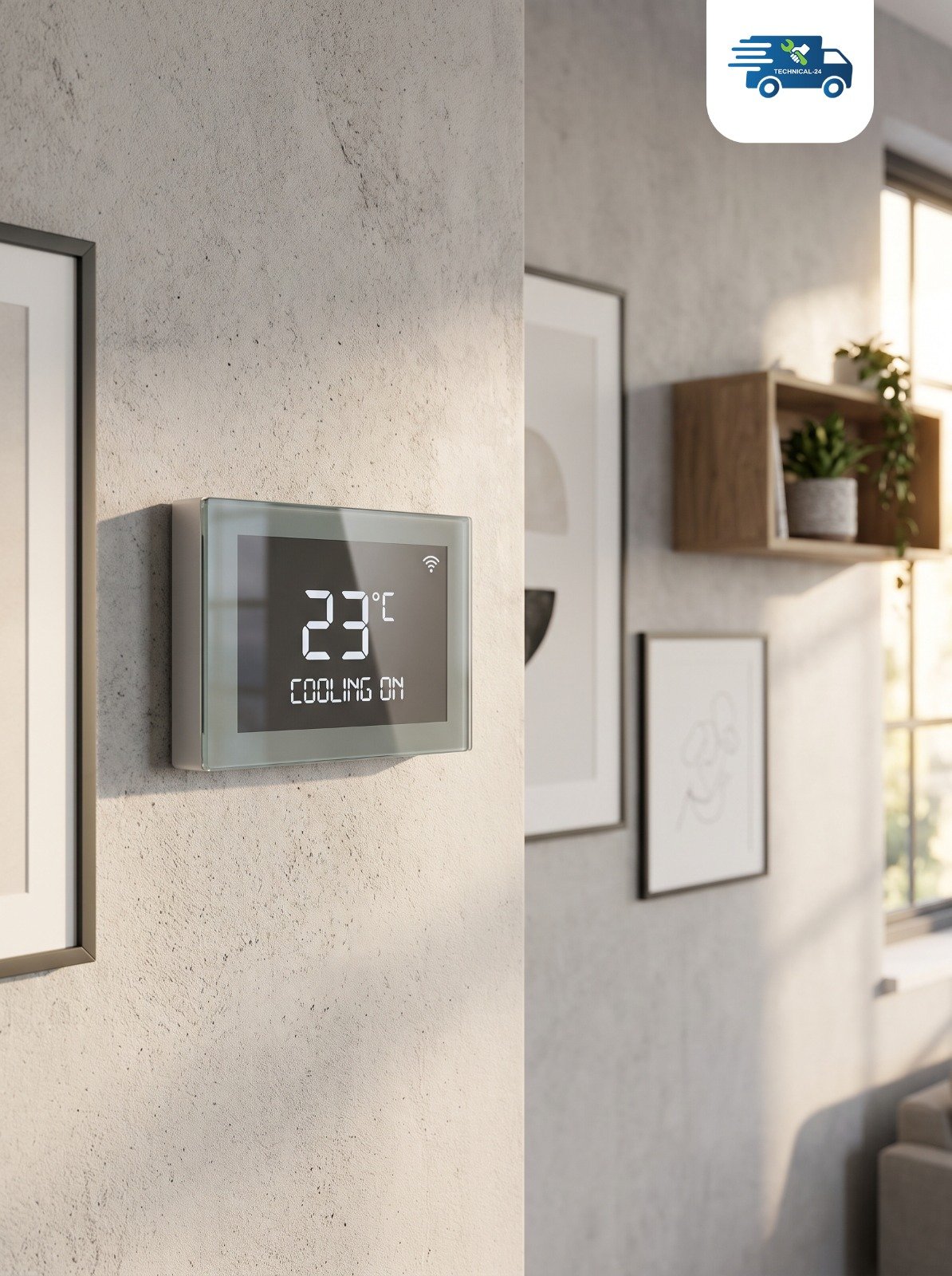
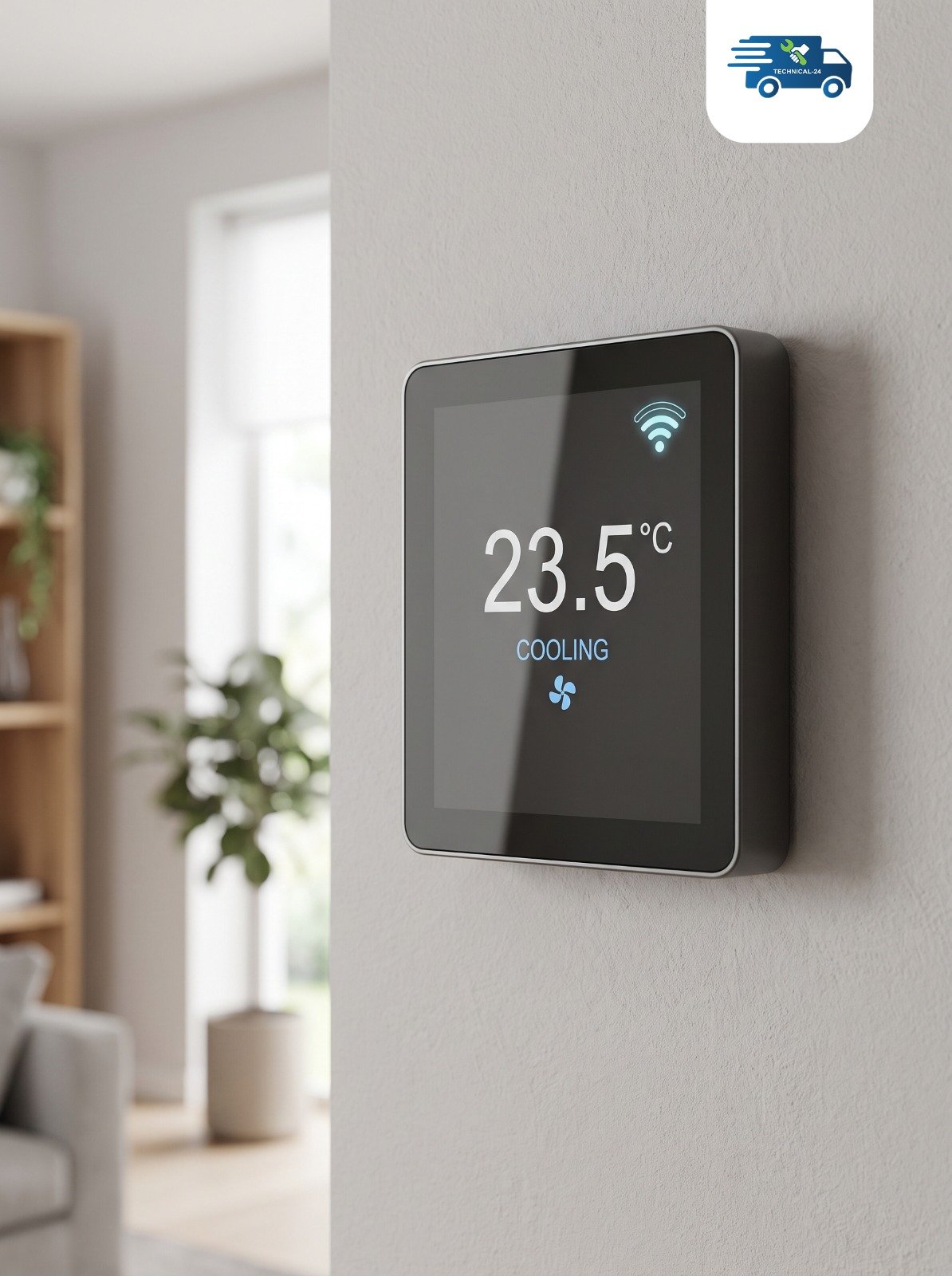
 Mineral wall · touch glass · quiet shadow
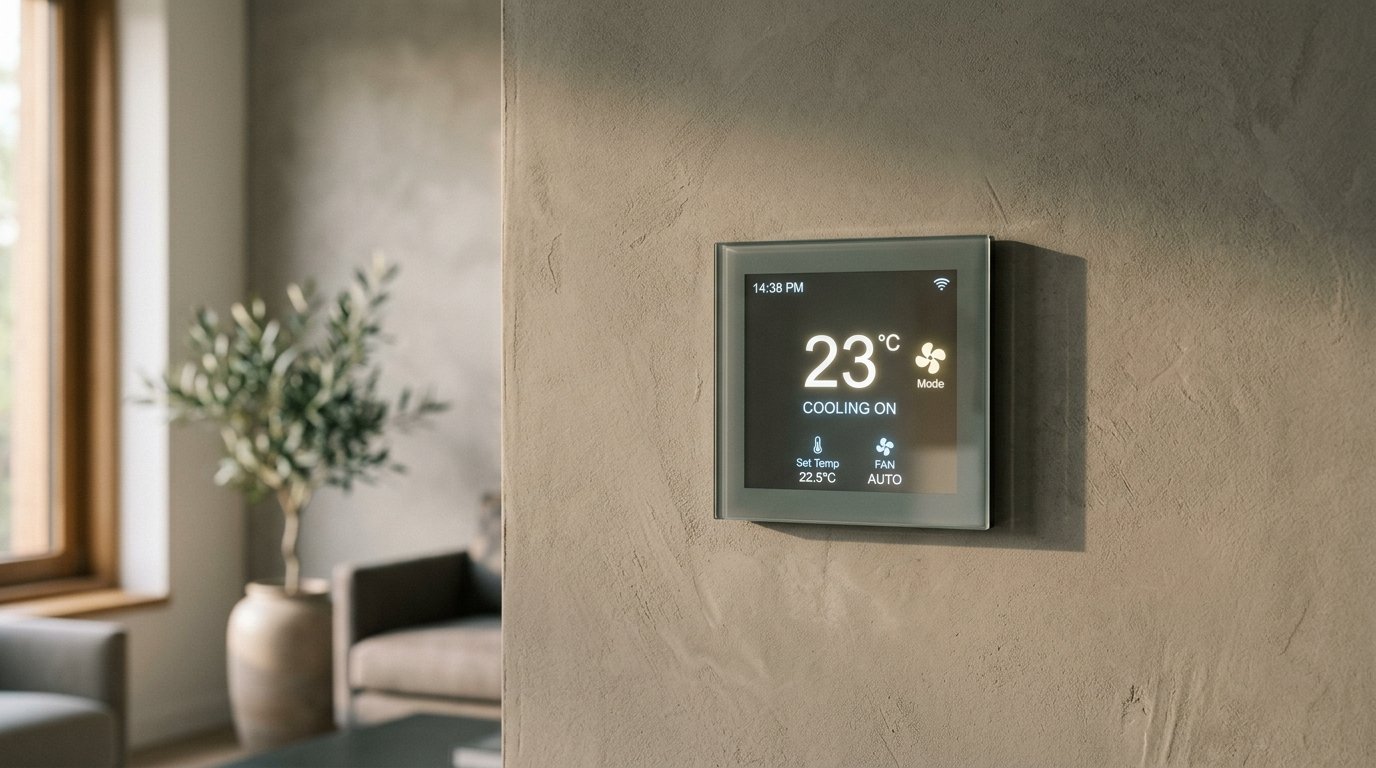
Warm mineral surfaces and soft morning light let the thermostat sit in the architecture, not on top of it.
One clear control language, considered against different materials, uses, and scales.
Warm mineral surfaces and soft morning light let the thermostat sit in the architecture, not on top of it.
A clear touch interface and a disciplined wall presence suit focused, contemporary work environments.
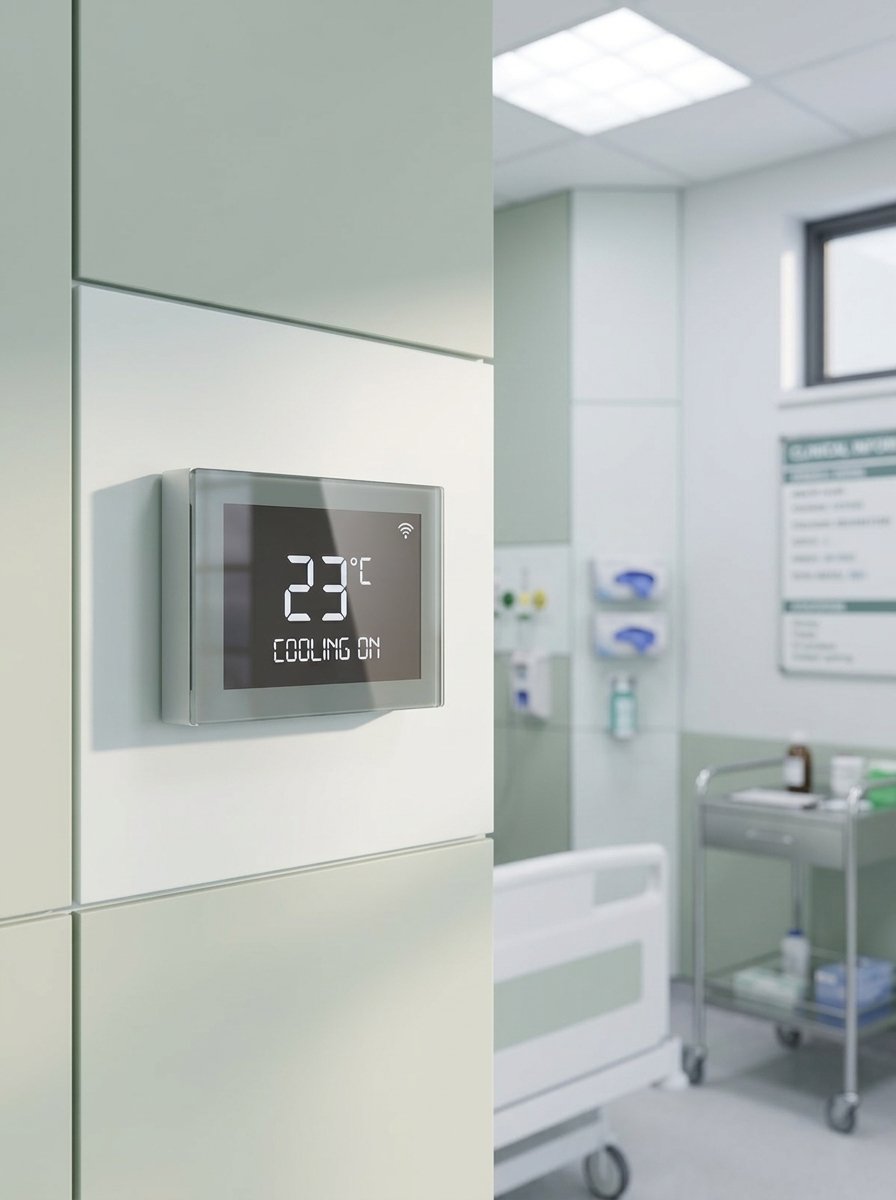
Precise temperature controls help maintain patient comfort across treatment rooms, patient suites, and clinical spaces.
The room settles at a comfortable temperature before the day begins.
The room settles at a comfortable temperature before the day begins.
22° · Pre-comfort · 0.8 kWh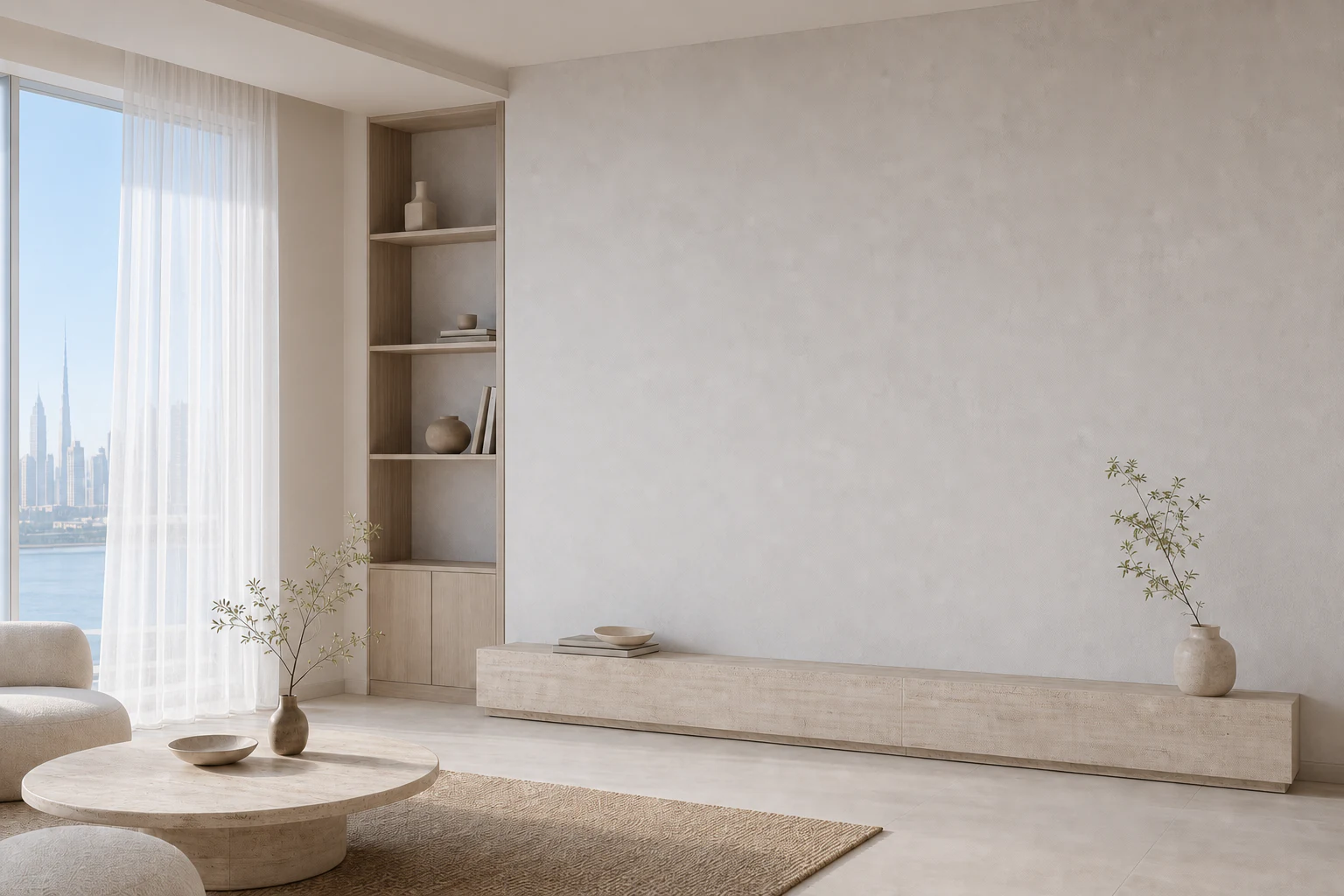
Airflow eases and energy demand steps back while the space is unoccupied.
27° · Eco setback · 0.2 kWh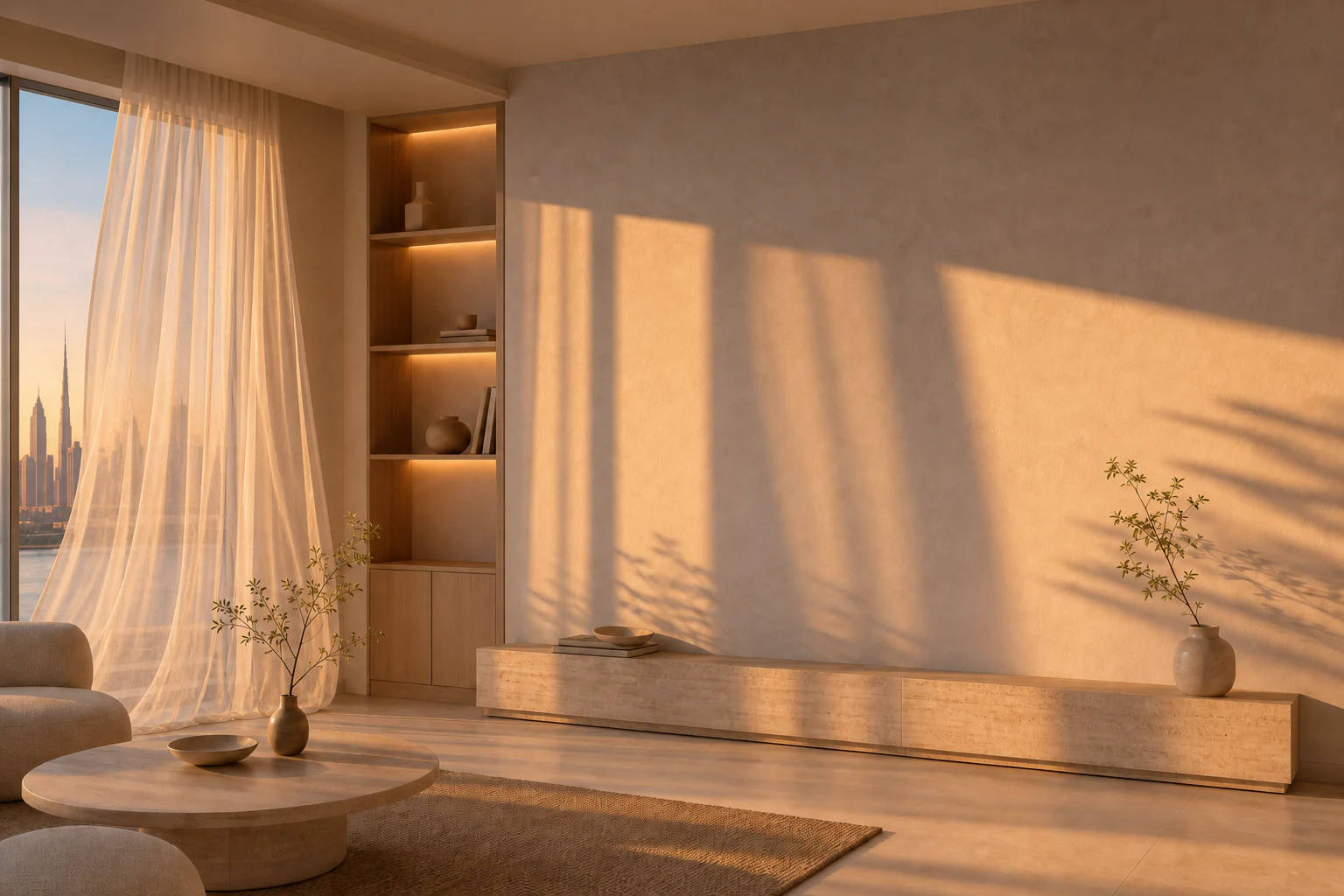
Cooling starts before arrival as the last light moves across the wall.
23° · Active cooling · 1.1 kWh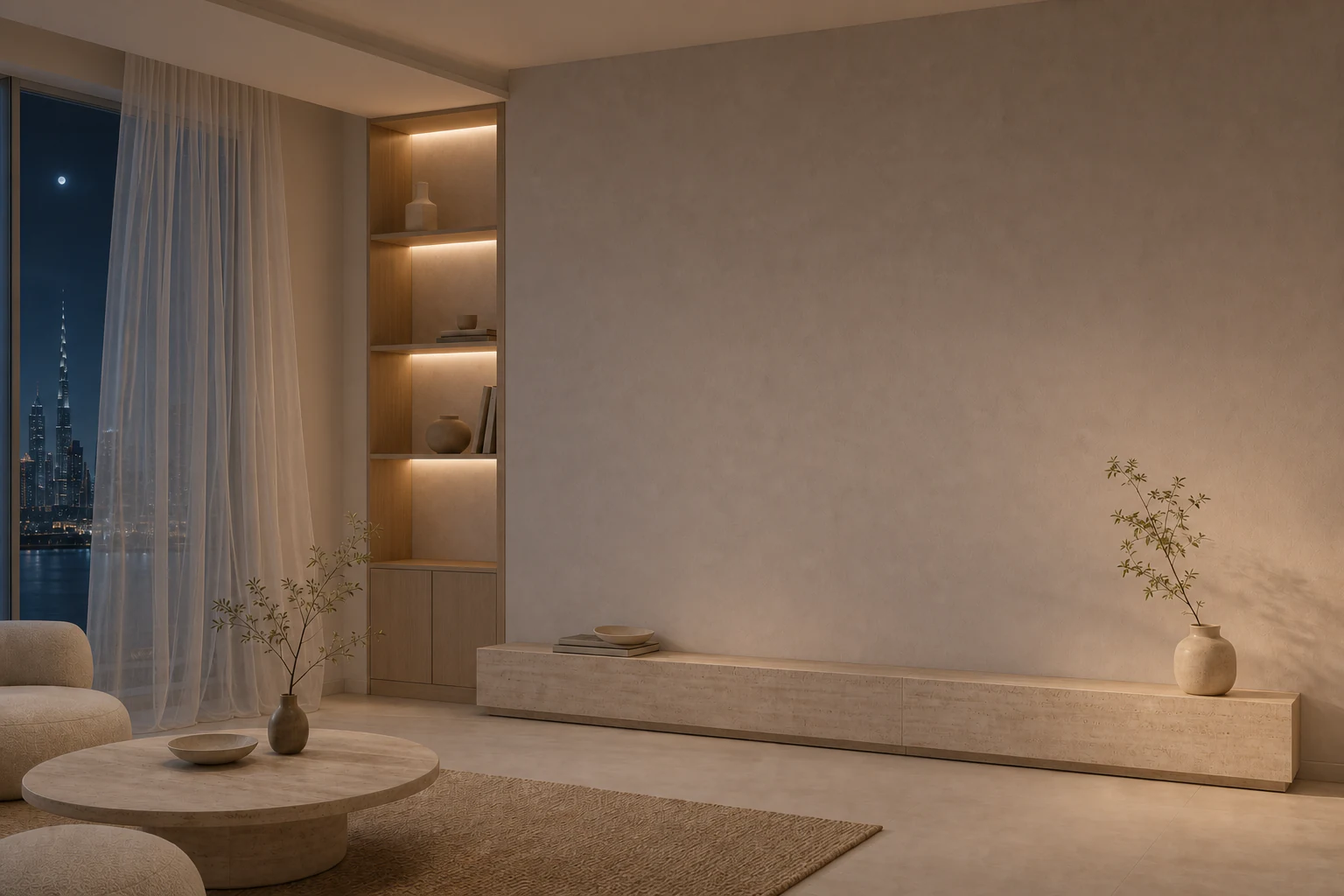
A quieter set point and gentler airflow close the day without visual noise.
21° · Quiet night · 0.5 kWhThe interface keeps useful decisions close while the technology behind it stays visually out of the way.
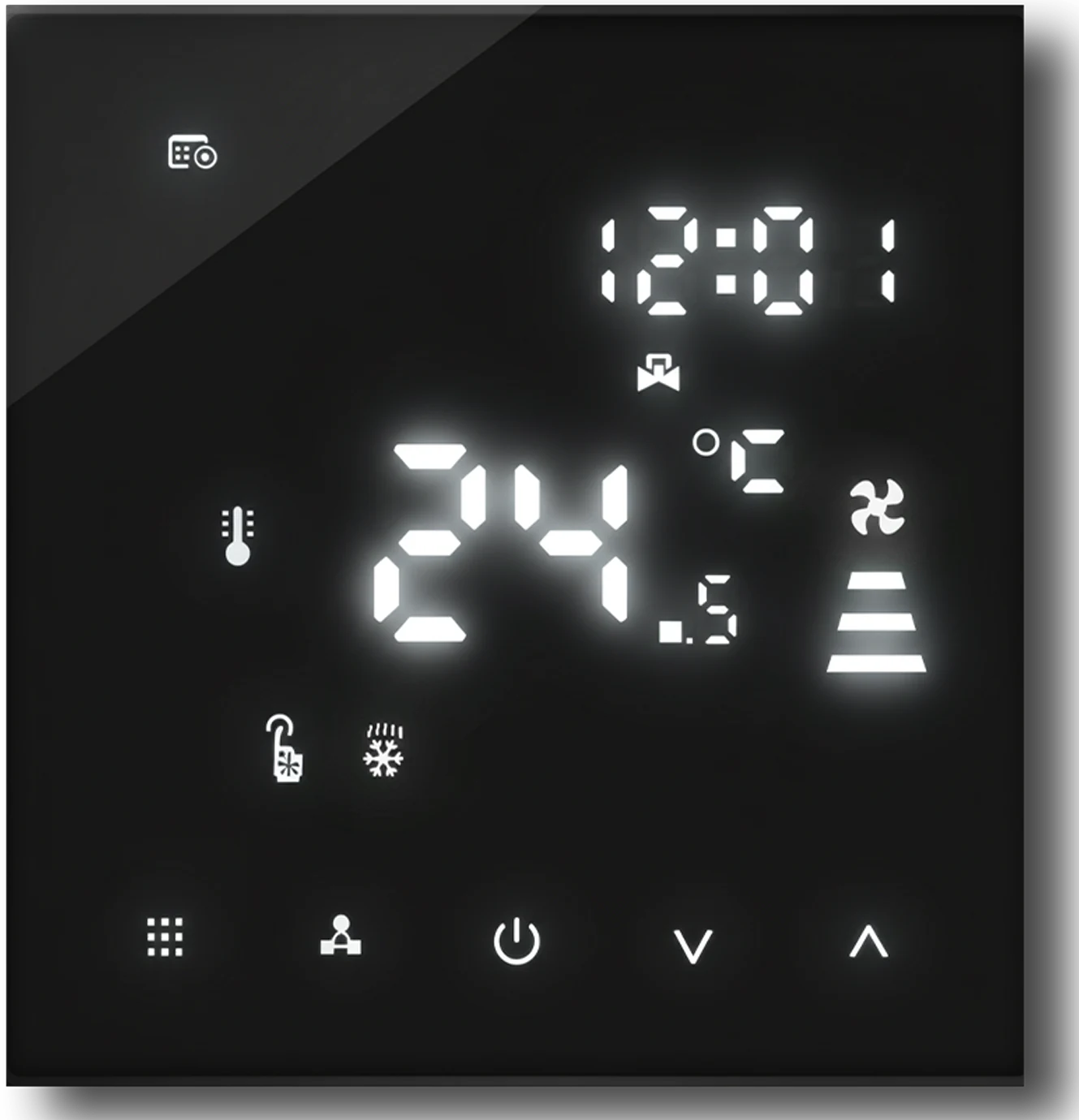
LCD touch display
Heating and cooling selection
Timer on / off
Manual or automatic mode
Lock function
Smart / Wi-Fi options
Configurable controls and installation options help match the thermostat to the way each room and fan-coil system operates.
Selectable valve output for common fan-coil configurations.
Programme weekdays, weekends, or every day to suit the space.
Choose the temperature sensing arrangement required by the system.
Fine adjustment helps align the displayed room temperature.
Set lower and upper limits for controlled, consistent operation.
Limit selected controls or lock the interface completely.
Choose how the fan responds when the valve switches off.
Adjust the idle display to the light level of the room.
A practical reference for the Wi-Fi fan-coil thermostat, from first setup and everyday adjustment to weekly programming.
Press to raise a value. Hold to view the external-sensor temperature when N3 sensor mode is selected.
Press to switch between manual and programmed operation. Hold for 3–5 seconds to open advanced settings.
Press to lower a value. Hold to lock or unlock the touch controls.
Press to select fan speed or confirm a setting. Hold to enter sleep-mode setup.
Switches the thermostat on or off.
Press both keys together to start Wi-Fi matching mode.
Cooling valve control
Heating valve control
Fan-only ventilation
Automatic mode selection
Low · Medium · High · Auto
With the unit on, hold MODE for 3–5 seconds and select the clock. Press FAN to edit, use ▲ or ▼ to change minutes, hours, and weekday, then press FAN to move on. Press FAN after the last value or wait five seconds to exit.
Hold MODE for 3–5 seconds, press MODE until the working-mode icon appears, then press FAN to choose cooling, heating, ventilation, or automatic operation.
While the thermostat is on, press FAN to move between high, medium, low, and automatic fan speed.
Hold FAN until the sleep icon flashes. Press ▲ to enable it or ▼ to cancel. Sleep mode is unavailable in ventilation and automatic modes.
A flashing Wi-Fi symbol indicates EZ pairing. A flashing cloud symbol indicates AP pairing. Once connected, open the cloud control in the app to configure timer functions.
In cooling or heating, the valve responds when room temperature differs from the set point by approximately 1°C and closes once the target is reached. In ventilation mode, the fan runs independently of temperature by default.
Hold ▼ to lock or unlock the keys. E1 indicates an internal sensor alarm; E2 indicates an external sensor alarm. The display also identifies manual, programmed, temporary override, clock, and holiday operation.
Compatible with 5+2, 6+1, and 7-day scheduling. The factory schedule shown in the manual uses these four daily periods.
| Period | Start time | Temperature |
|---|---|---|
| 1 | 06:00 | 20°C |
| 2 | 08:00 | 15°C |
| 3 | 17:30 | 22°C |
| 4 | 22:00 | 15°C |
To edit the programme, hold MODE for 3–5 seconds, select the schedule icon, press FAN, then use ▲ and ▼ to adjust each value. Press FAN to advance to the next time period.
Operating labels and sequences follow the supplied product manual. Available functions can vary with wiring, sensor setup, and fan-coil configuration.
Adjust your Wi-Fi thermostat remotely through the Smart Life app and the room responds in the same calm language.
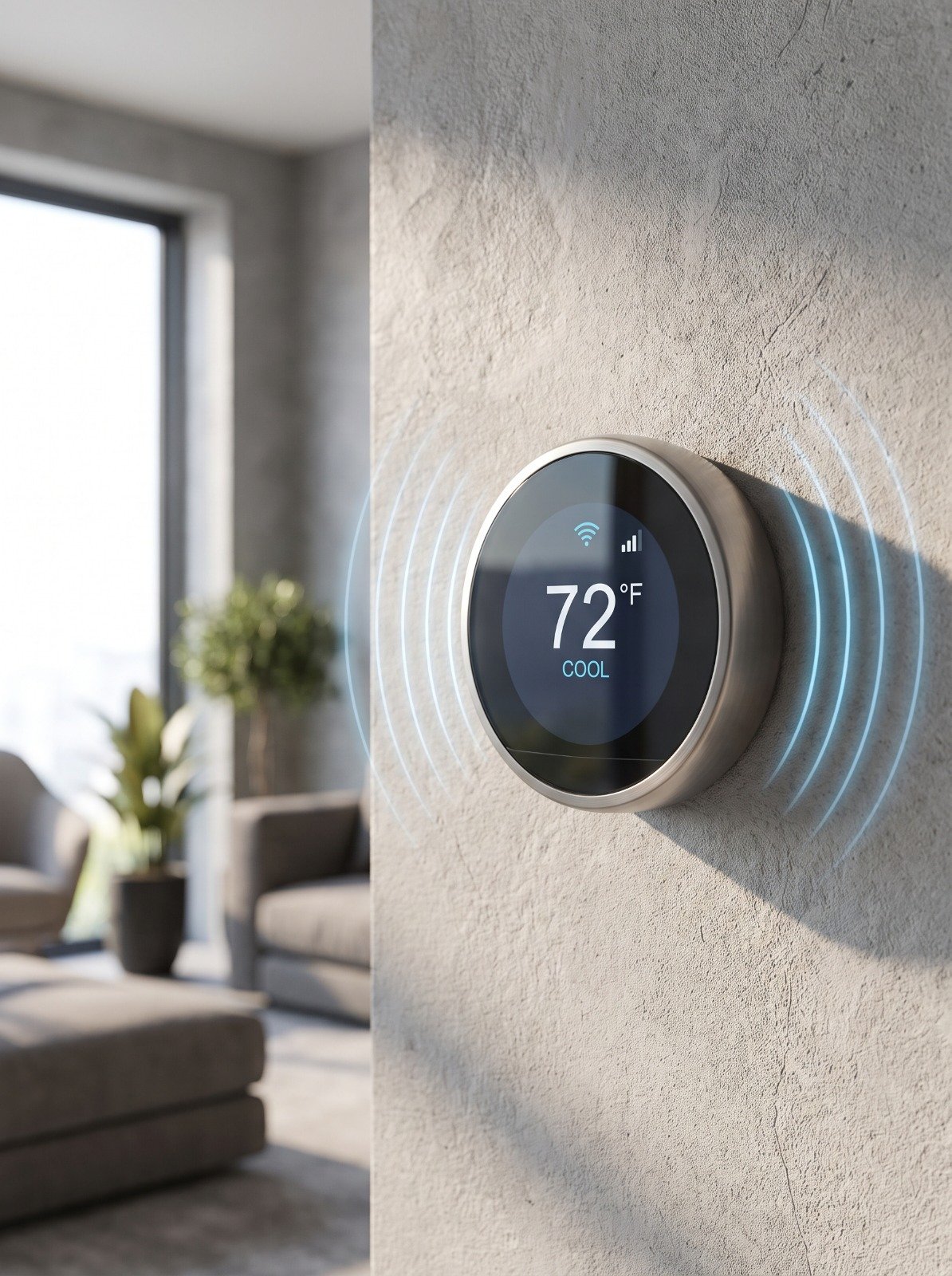
The room holds a settled temperature with minimal intervention.
Product selection, safe fitting, system testing, and a concise handover—treated as one considered sequence.
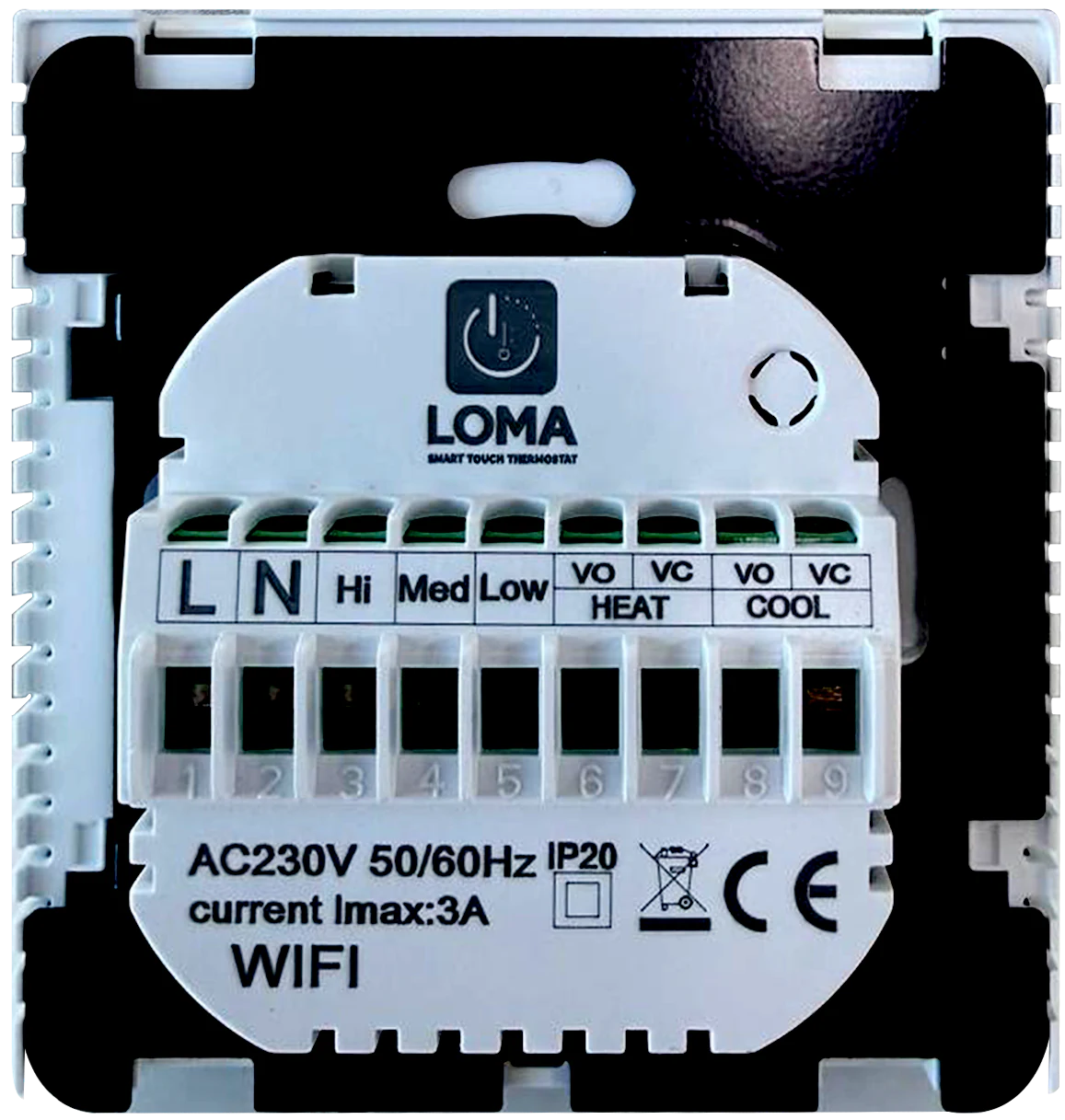
We review the wiring position, existing climate system, and the way the wall is used before a model is placed.
Product selection, safe fitting, system testing, and a concise handover—treated as one considered sequence.
We review the wiring position, existing climate system, and the way the wall is used before a model is placed.
Display finish, operating modes, scheduling needs, and Wi-Fi support are matched to the actual room.
The backplate is secured, the wiring is connected safely, and the thermostat is calibrated against the live system.
The finished unit is tested and the everyday controls are explained for confident use from the first day.
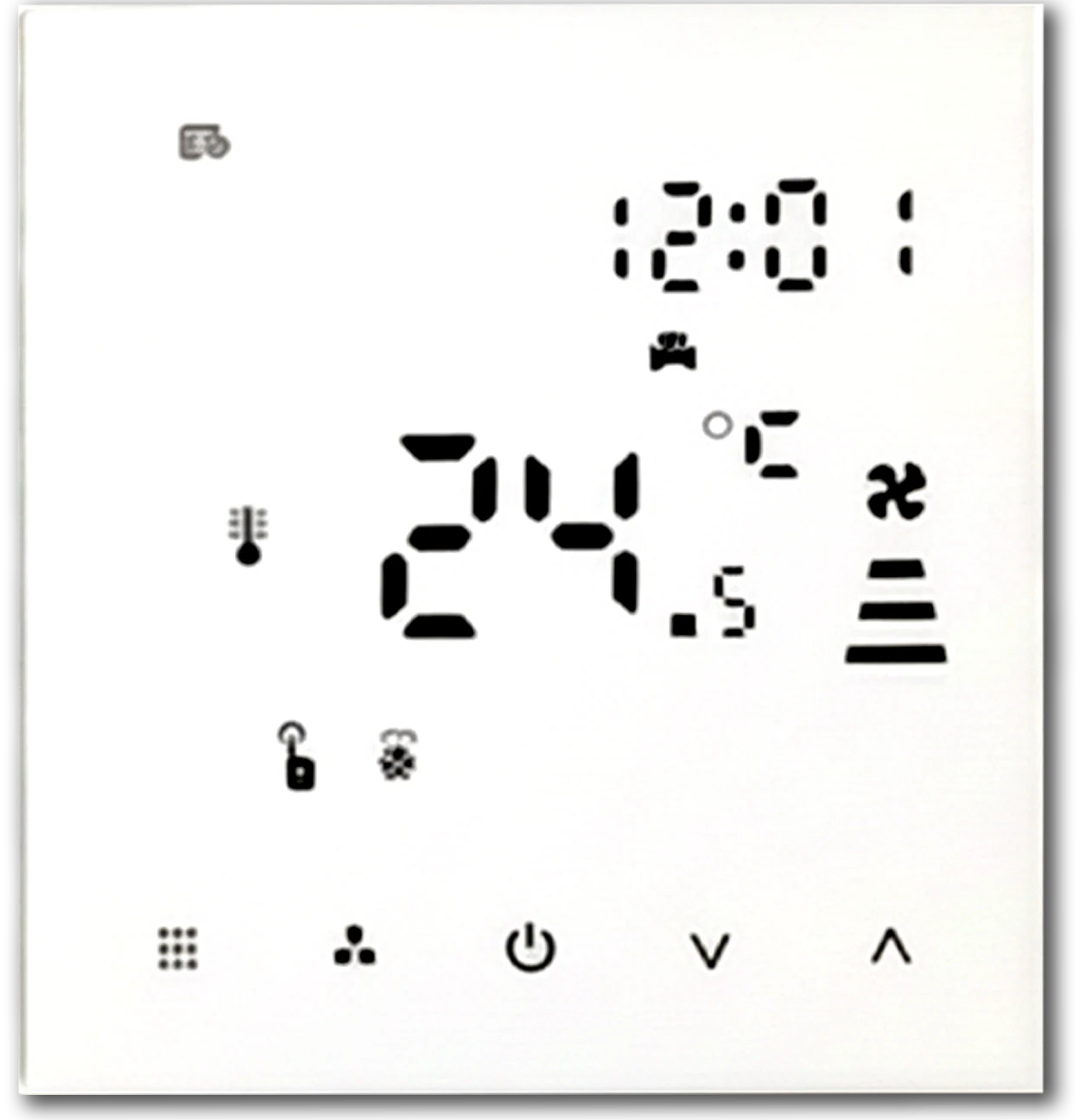
We supply, replace, fit, configure, test, and explain the control so the finished result works as clearly as it looks.
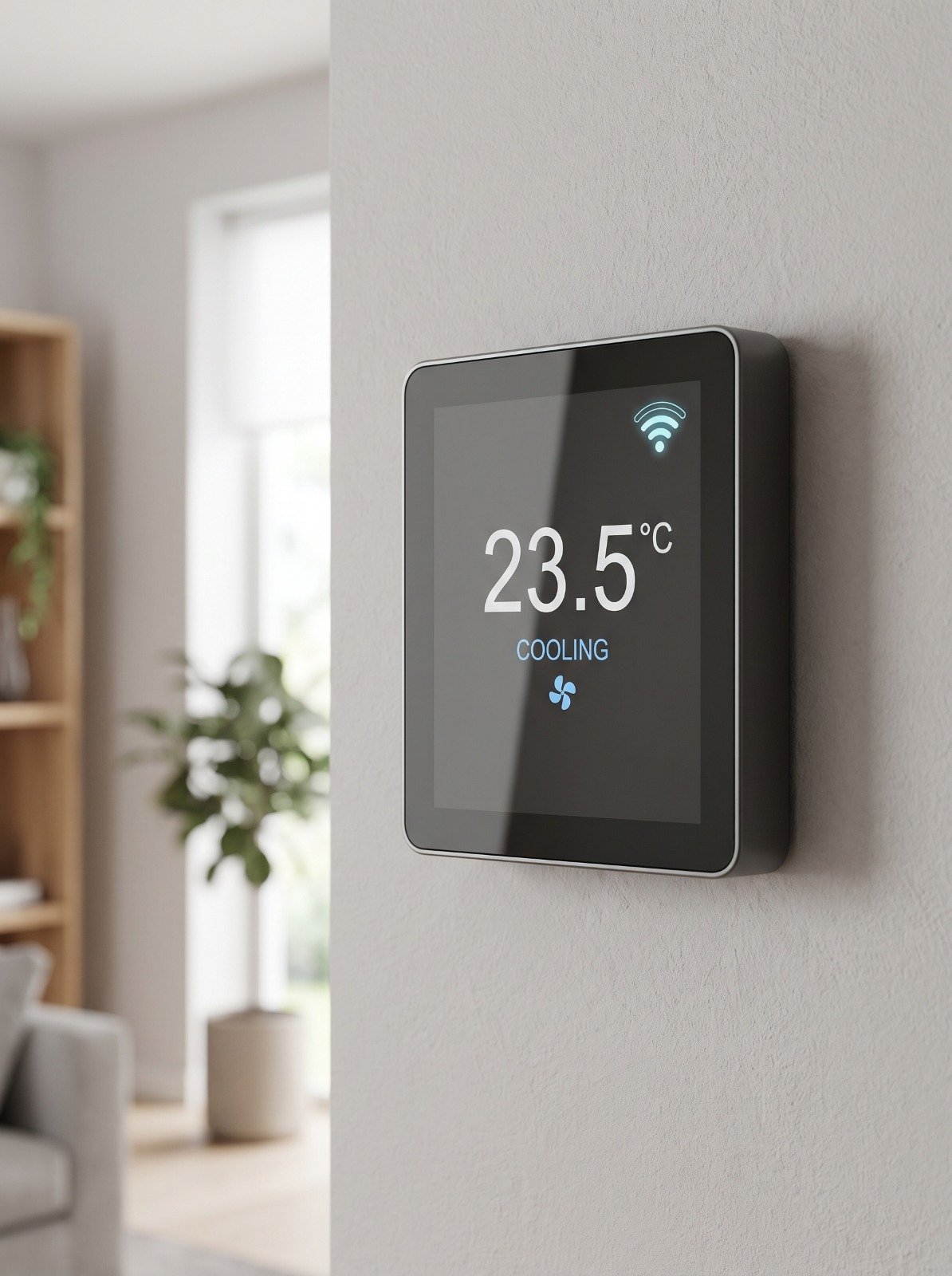
Tell us about the space, its current climate system, and the control you want to improve.